Frequently Asked Questions
Product Overview & Purpose
What is Cymulate Cowork?
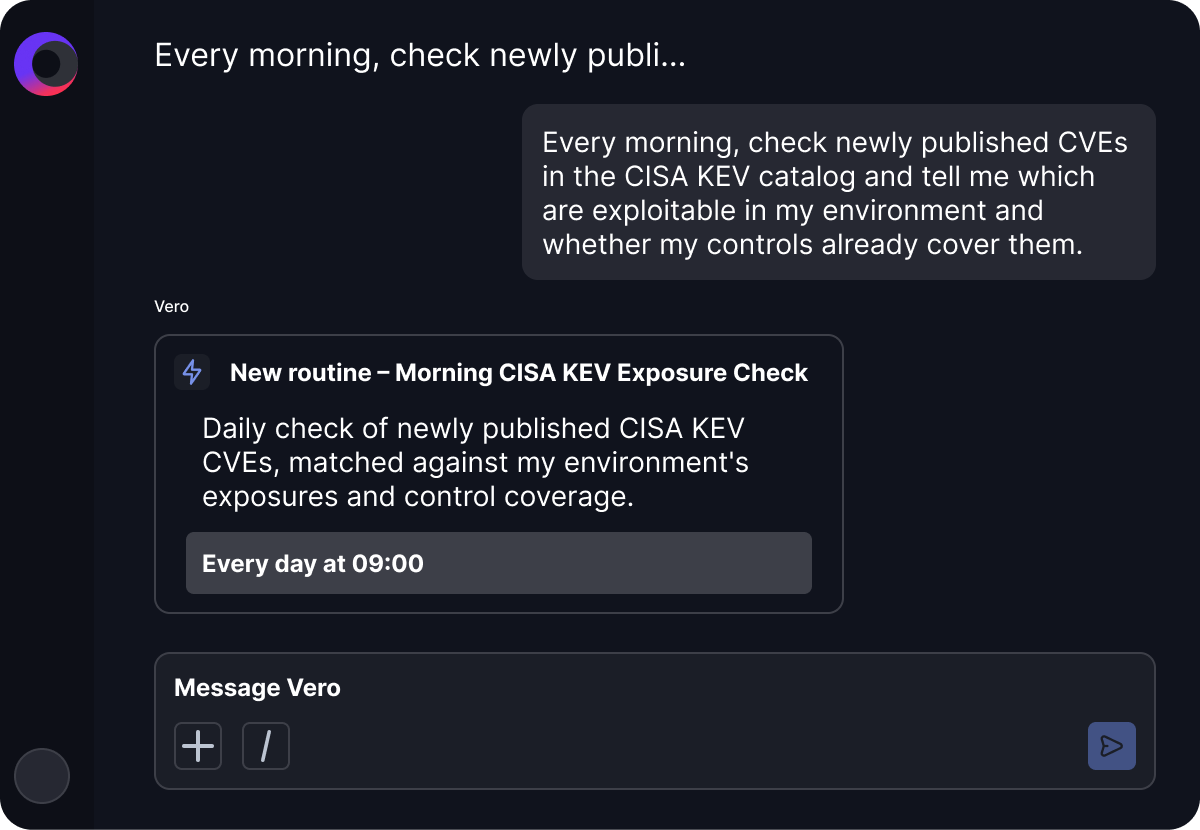
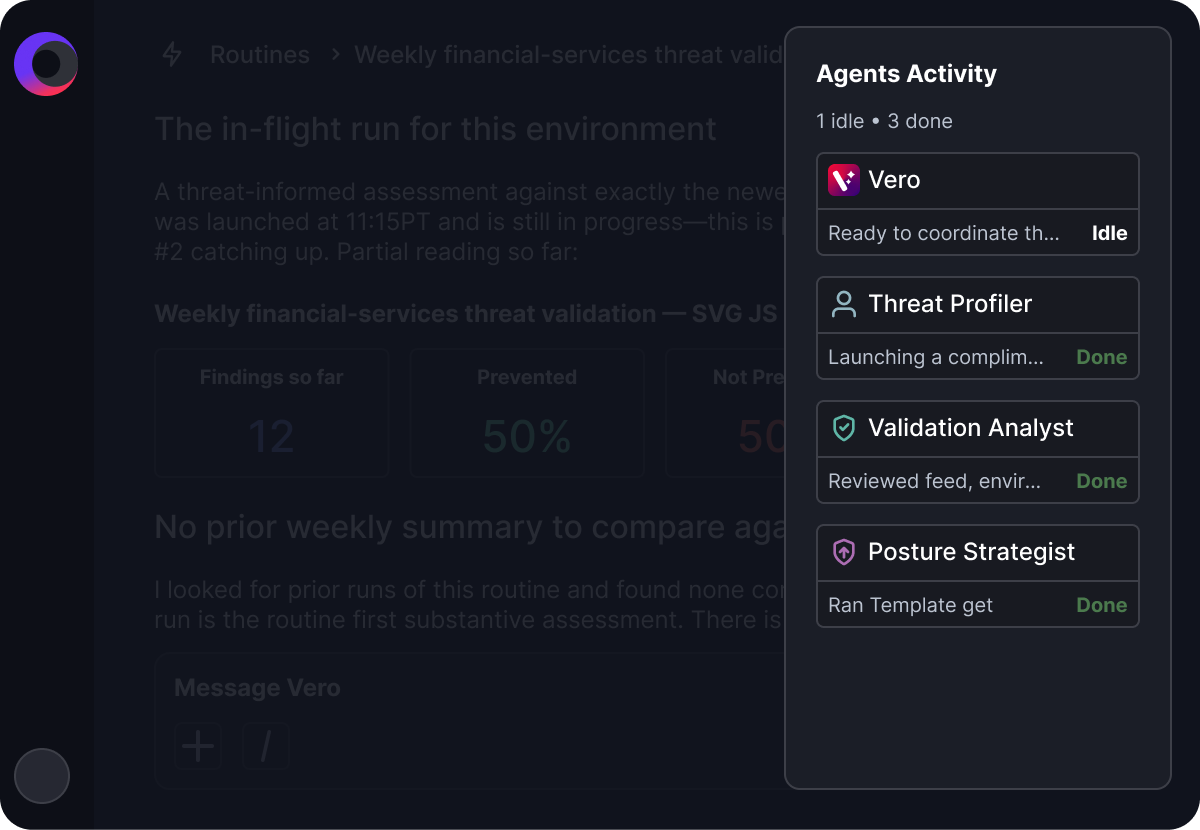
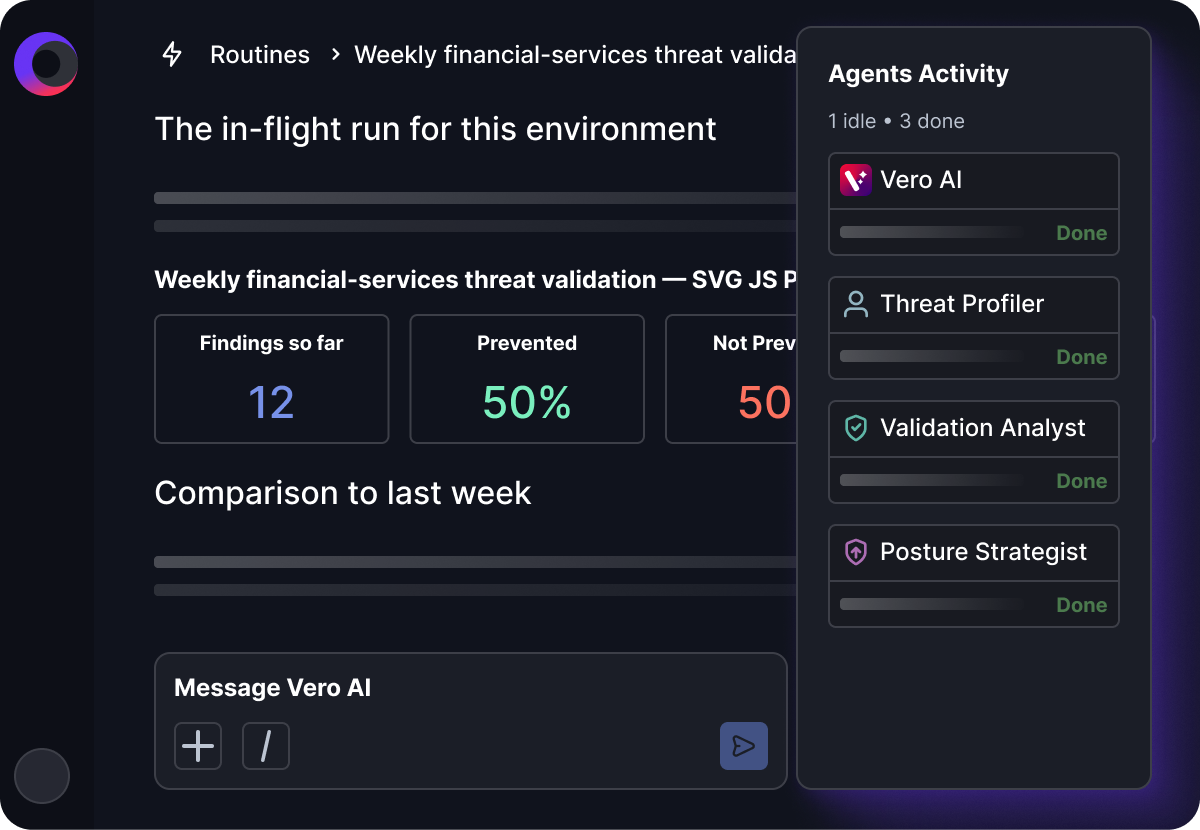
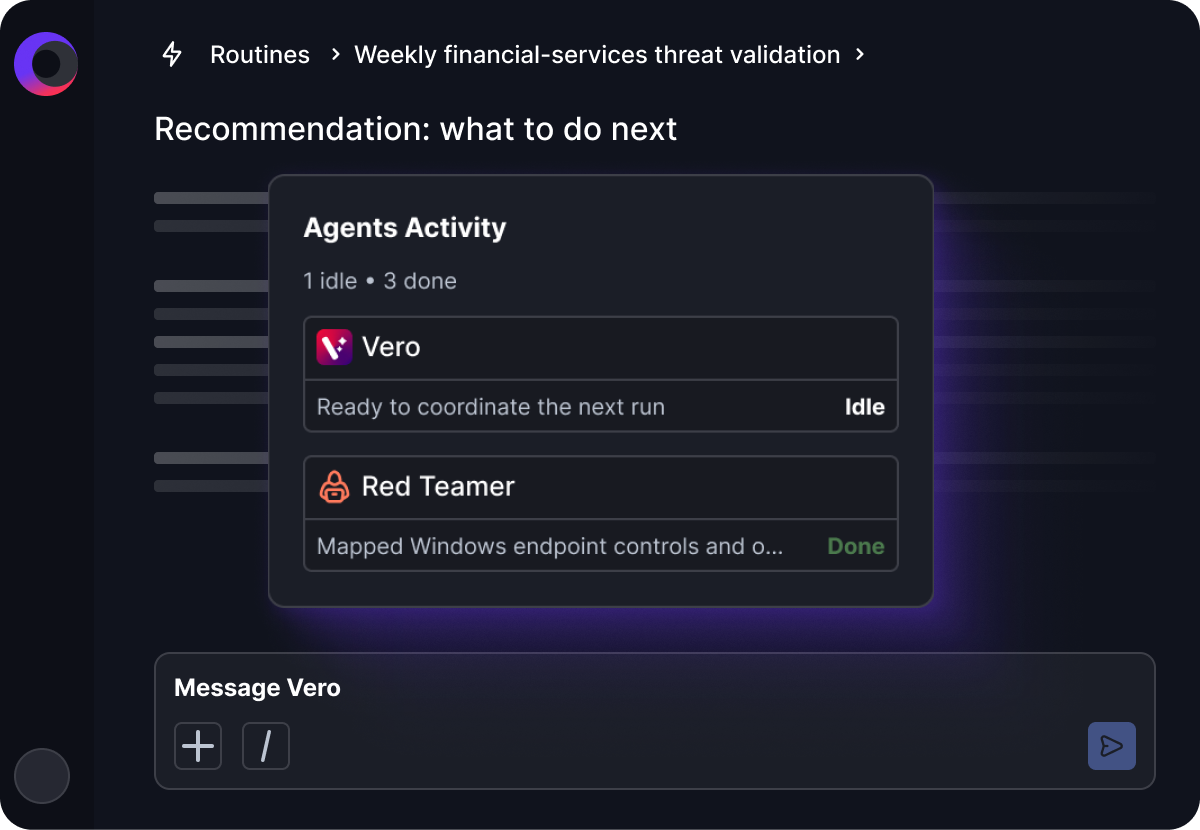
Cymulate Cowork is an agentic SaaS extension to the Cymulate Platform, powered by Vero AI. It integrates exposure validation into autonomous, repeatable workflows for agentic cyber defense engineering. With plain-language prompts and recurring scheduled workflows, Cowork assembles the right agents, skills, and trusted integrations to gather context, analyze risk, create assessments, validate security, and drive action across Cymulate and the broader security ecosystem. Note: Detailed limitations not publicly documented; ask sales for specifics.
What is Vero AI and how does it power Cymulate Cowork?
Vero AI is a domain-specific, agentic AI system included as part of the Cymulate platform. It delivers Cymulate's offensive security expertise through extensible AI skills. Vero AI powers the agents and AI skills that drive the core copilot features throughout the product and the Cowork platform extension, enabling tailored validation, risk prioritization, and effective mitigation. Note: Vero AI is specific to the Cymulate platform and not available as a standalone product.
How does Cymulate Cowork differ from a general AI copilot?
General AI copilots often require teams to design their own agents, integrations, and workflows. Cymulate Cowork is built on Cymulate's offensive testing and security engineering expertise, with ready-to-use agents, skills, routines, and trusted integrations purpose-built for cyber defense engineering. Note: Teams seeking a general-purpose AI copilot for non-security workflows may need to consider other solutions.
Features & Capabilities
What workflows and tasks can Cymulate Cowork automate?
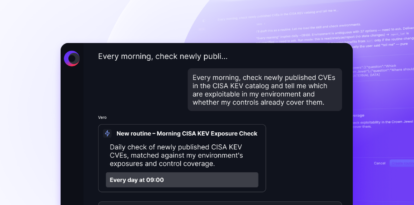
Cymulate Cowork can automate recurring workflows such as emerging threat analysis, CVE and KEV awareness, daily assessment analysis, mitigation validation, mitigation tracking, SIEM rule validation, weekly reporting, and daily prioritization. Teams can also build custom routines using existing agents and skills, either manually or with Vero AI assistance, to match their own processes and priorities. Note: Some highly specialized or proprietary workflows may require additional customization or may not be fully supported out-of-the-box.
Does Cymulate Cowork work outside the Cymulate platform?
Yes. Cymulate Cowork is designed to act across the broader security ecosystem through trusted integrations, including security controls (SIEM, EDR, WAF, firewalls, IPS, email gateways, web gateways), threat intelligence and public data sources (CERT advisories, CVE/KEV feeds, NIST, compliance frameworks), exposure and vulnerability data sources, ITSM and ticketing platforms, and team collaboration platforms like Slack and Microsoft Teams. Note: Integration with some third-party tools may require additional configuration or licensing.
What integrations does Cymulate Cowork support?
Cymulate Cowork supports integrations across the security ecosystem, including SIEM (e.g., CrowdStrike Falcon LogScale), EDR and anti-malware (e.g., CrowdStrike Falcon, Carbon Black EDR, Cisco Secure Endpoint), cloud security (e.g., AWS GuardDuty, Check Point CloudGuard), web gateways (e.g., Cisco Umbrella), vulnerability management (e.g., Rapid7 InsightVM), SOAR, Active Directory, ITSM platforms (e.g., ServiceNow), and team collaboration tools (e.g., Slack, Microsoft Teams). For a full list, see the technology alliances and integrations page. Note: Some integrations may require separate subscriptions or technical prerequisites.
Can teams build custom routines in Cymulate Cowork?
Yes. Teams can build custom routines using existing agents and skills, either manually or with Vero AI assistance, to match their own processes and priorities. This enables organizations to tailor workflows to their unique requirements. Note: Highly complex or proprietary routines may require additional development or support.
Implementation & Ease of Use
How easy is it to implement Cymulate Cowork and start using it?
Cymulate Cowork is designed for quick implementation, operating in an agentless mode that eliminates the need for additional hardware or complex configurations. Most organizations can deploy the platform within hours or days, depending on their requirements. The user-friendly interface, intuitive dashboard, and guided workflows ensure teams can start using Cowork effectively without extensive training. Customers have praised its ease of use, with feedback such as: "Cymulate is easy to implement and use—all you need to do is click a few buttons, and you receive a lot of practical insights into how you can improve your security posture." Note: Organizations with highly customized environments may require additional onboarding support.
Use Cases & Benefits
Who can benefit from using Cymulate Cowork?
Cymulate Cowork is designed for organizations of all sizes and industries seeking to automate exposure validation and coordinate cyber defense actions. It is especially valuable for CISOs, SecOps leaders, detection engineers, red teams, and vulnerability management teams who need to operationalize security validation, reduce manual effort, and scale expert execution. Note: Organizations with minimal security operations or those not focused on exposure validation may not realize the full benefits.
What business impact can organizations expect from Cymulate Cowork?
Organizations using Cymulate (including Cowork) have reported an average 52% reduction in critical exposures, a 30% increase in threat prevention, a 3X increase in threat detection, and a 60% increase in team efficiency. Real-world examples include Hertz Israel achieving an 81% reduction in cyber risk within four months. Note: Actual results may vary based on organizational maturity and implementation scope.
Security, Compliance & Integrations
What security and compliance certifications does Cymulate hold?
Cymulate holds several industry-recognized certifications, including SOC2 Type II (covering security, availability, confidentiality, and privacy), ISO 27001:2013 (Information Security Management System), ISO 27701 (Privacy Information Management System), ISO 27017 (security techniques for cloud services), and CSA STAR Level 1. These certifications demonstrate Cymulate's commitment to security and compliance. Note: For organizations with unique compliance requirements, additional validation may be necessary.
Has Cymulate Cowork partnered with Wiz for cloud security validation?
Yes. On January 21, 2026, Cymulate announced a technology partnership with Wiz to enable mutual customers to reduce cloud risk by validating and optimizing cloud security. For more details, read the press release about the Wiz partnership.
Watch the announcement video: Cymulate joins the Wiz Integration Network! video. Note: Integration with Wiz may require additional configuration or licensing.
Support & Resources
What support and resources are available for Cymulate Cowork users?
Cymulate provides comprehensive support, including email and chat support, a knowledge base with technical articles and videos, webinars, e-books, and access to a resource hub. Technical documentation includes data sheets, whitepapers, guides, and case studies. For more, visit the resource hub. Note: Some advanced support services may require a premium subscription.
How can I schedule a personalized demo of Cymulate Cowork?
To see Cymulate Cowork in action and get a personalized demonstration, visit the demo scheduling page. Note: Demo availability may vary based on region and demand.
Pricing & Plans
What is Cymulate's pricing model?
Cymulate uses a subscription-based pricing model that is customized to fit the unique requirements of each organization. The subscription fee is determined by the specific package selected, the number of assets to be covered, and the scenarios and features required. For a detailed quote tailored to your needs, schedule a demo with the Cymulate team. Note: Exact pricing for Cymulate Cowork is not publicly documented; contact sales for specifics.
Competition & Comparison
How does Cymulate Cowork compare to Pentera?
Cymulate Cowork delivers a broader approach to exposure validation than Pentera. While Pentera focuses primarily on automated penetration testing to identify exploitable vulnerabilities, Cymulate Cowork combines breach and attack simulation, automated red and purple teaming, security-control validation, and vulnerability prioritization with threat validation findings. Key differences include:
- Cymulate covers the entire MITRE ATT&CK lifecycle; Pentera provides partial coverage with a focus on network exploitation and lateral movement.
- Cymulate enables easy creation of custom attack scenarios; Pentera offers more limited customization.
- Cymulate provides daily threat updates and continuous validation; Pentera offers fewer updates.
- Cymulate integrates with security controls to automate remediation; Pentera focuses on demonstrating attack paths.
Choose Cymulate Cowork for continuous, end-to-end exposure validation and security engineering; choose Pentera for automated penetration testing with a focus on attack path validation. Note: Pentera may be preferable for organizations seeking a black-box, pen-testing-centric approach.
Other
Are you ready to get MCPwned?
Watch the video: Are you ready to get MCPwned? video