Frequently Asked Questions
Product Information
What is Cymulate Threat Studio?
Cymulate Threat Studio is a platform feature that enables security teams to create, run, and manage custom attack simulations tailored to their own environment. Users can add custom resources, build attack actions, chain actions into full attack flows, save them as reusable templates, and rerun them as needed. Note: Threat Studio is best suited for organizations seeking to scale offensive testing and customize attack scenarios; teams requiring only out-of-the-box simulations may find other Cymulate modules sufficient. Source
Who is Cymulate Threat Studio designed for?
Cymulate Threat Studio is designed for security teams who want to scale offensive testing, validate defenses, and customize attack scenarios without requiring advanced technical expertise. It is especially useful for organizations with unique environments, specialized workflows, or organization-specific attack scenarios that cannot be fully covered by out-of-the-box simulations. Source
What are the main benefits of Cymulate Threat Studio?
The main benefits of Cymulate Threat Studio include the ability to scale offensive testing, create custom attacks in minutes without advanced technical expertise, centrally manage resources for attack scenarios, and execute relevant custom attack scenarios to validate security controls. Customers have reported outcomes such as 40X faster threat validation, a 60% boost in team efficiency, and a 50% improvement in threat detection. Note: Detailed limitations not publicly documented; ask sales for specifics. Source
What types of resources can be customized in Cymulate Threat Studio?
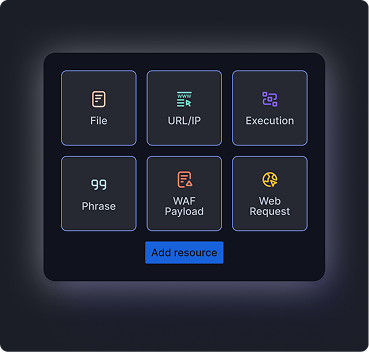
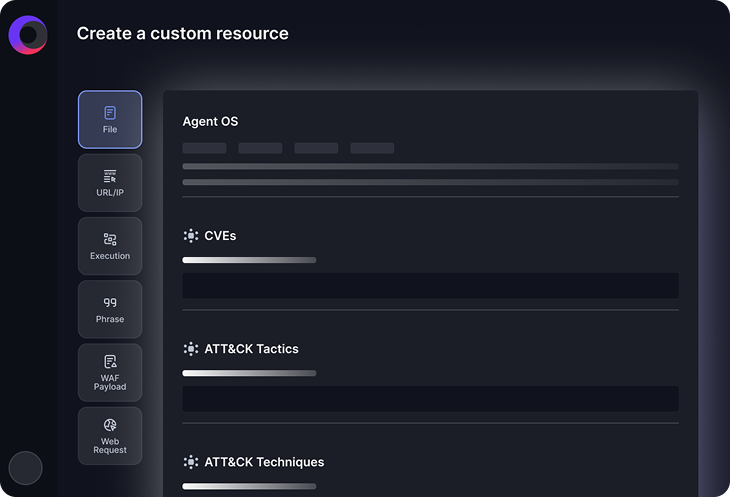
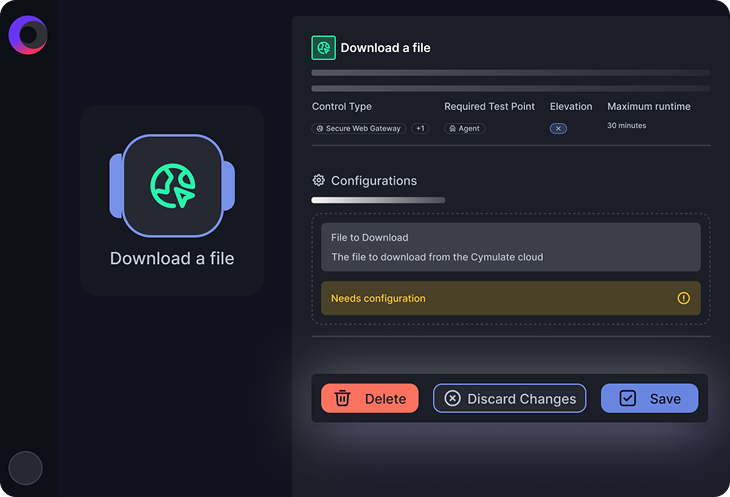
Users can add and customize resources such as files, URLs, IPs, execution scripts, phrases, payloads, and web requests. These resources can be accessed from the Resource Library and modified as needed for attack scenario configurations. Note: Some advanced integrations or resource types may require additional configuration; consult documentation for details. Source
Can Cymulate Threat Studio build multi-step attack scenarios?
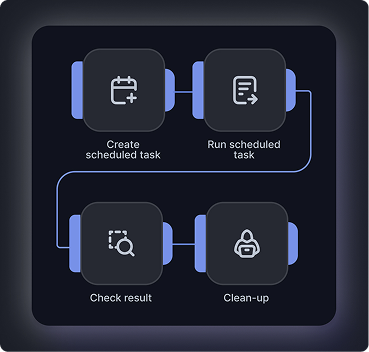
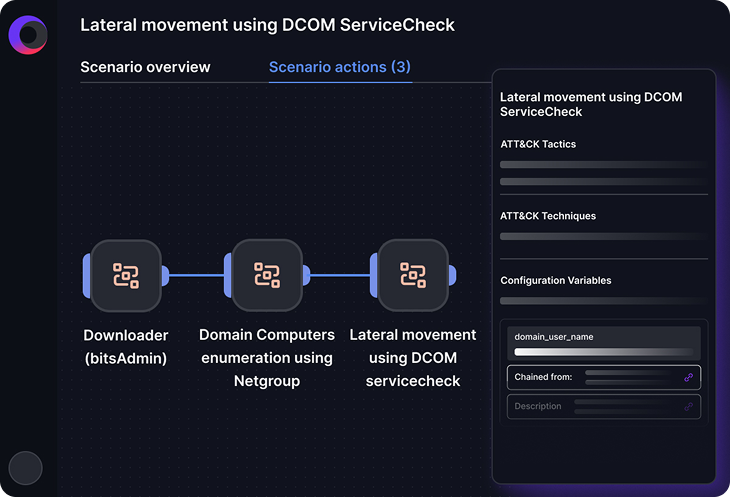
Yes. Cymulate Threat Studio allows users to chain together custom attack actions into end-to-end, multi-stage attack scenarios. This enables simulation of realistic attack paths rather than isolated single actions. Note: The complexity of attack chains may be limited by available resources or platform constraints. Source
Can I save and reuse my attack simulations in Cymulate Threat Studio?
Yes. Custom attacks can be saved as templates, making it easy to standardize recurring tests, reuse proven scenarios, and rerun simulations over time. Note: Template management features may vary by subscription tier. Source
Does Cymulate Threat Studio provide mitigation guidance for custom attacks?
Yes. Cymulate Exposure Validation provides mitigation guidance to close missed prevention and detection gaps for custom attacks. With Cymulate Auto Mitigation, security teams can rapidly improve security by automatically pushing IoCs and EDR rules. Note: Auto Mitigation features may require integration with supported EDR solutions. Source
How does Cymulate Threat Studio integrate with Cymulate Detection Studio?
Cymulate Threat Studio works alongside Cymulate Detection Studio to validate security controls and improve detection capabilities by simulating custom attack scenarios. This integration helps ensure that detections are aligned with your real-world environment and threat models. Note: Integration requires access to both modules; consult Cymulate for compatibility details. Source
Where can I find technical documentation and resources for Cymulate Threat Studio?
Technical documentation for Cymulate Threat Studio is available in the official data sheet (Threat Studio Data Sheet). Additional resources include the Detection Studio Data Sheet and the Cymulate Resources page. Note: Some resources may require registration or a Cymulate account for access.
What do customers say about Cymulate Threat Studio?
Customers highlight the ease of use and effectiveness of Cymulate Threat Studio. For example, Mike Humbert, Cybersecurity Engineer at Darling Ingredients Inc., states: “Cymulate makes advanced security testing fast and easy. When it comes to building custom attack chains, it’s all right in front of you in one place. You can access the full Cymulate library or build your own attack actions.” For more reviews, visit the G2 reviews page. Note: Individual experiences may vary; consult multiple reviews for a balanced perspective.
Features & Capabilities
What features does Cymulate Threat Studio offer for customizing attack scenarios?
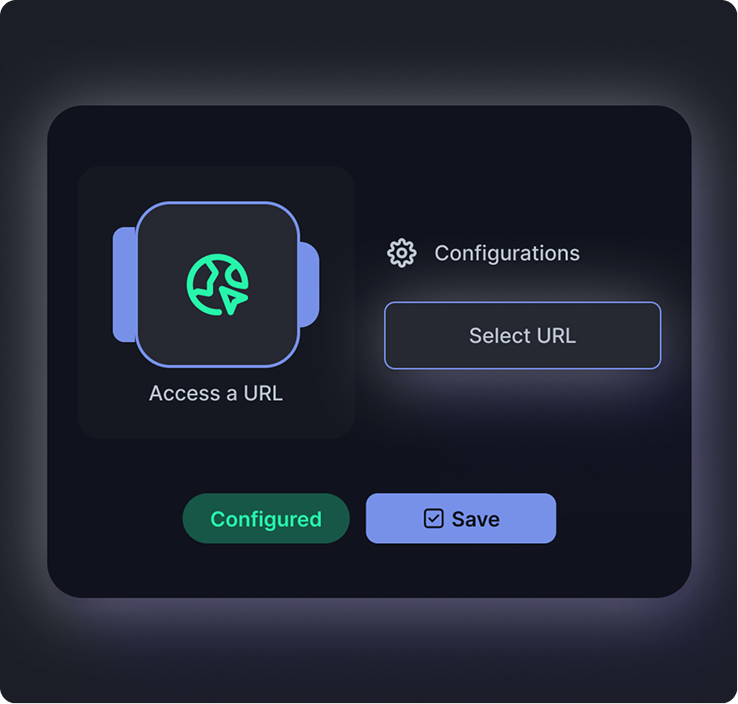
Cymulate Threat Studio offers features such as adding and configuring new resources (files, URLs, scripts, payloads), customizing attack scenario actions, and chaining multiple actions to create sophisticated, multi-step attack flows. The platform provides an intuitive interface for visualizing and managing these scenarios. Note: Some advanced features may require additional licensing or technical expertise. Source
How does Cymulate Threat Studio help validate security controls?
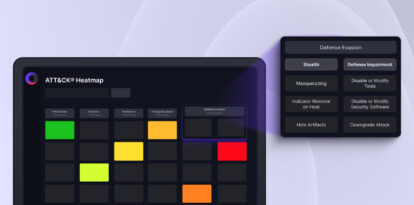
Cymulate Threat Studio enables organizations to execute custom attack scenarios that mirror real-world threats, allowing them to validate the effectiveness of their security controls. By simulating relevant attacks, teams can identify gaps and improve their defensive posture. Note: Effectiveness depends on the accuracy of scenario configuration and the organization's existing security stack. Source
Use Cases & Outcomes
What measurable outcomes have customers achieved with Cymulate Threat Studio?
Customers using Cymulate Threat Studio have reported outcomes such as 40X faster threat validation (average of Cymulate customers), a 60% boost in team efficiency (finance customer), and a 50% improvement in threat detection (average of Cymulate customers). Note: Actual results may vary based on organizational context and implementation. Source
What pain points does Cymulate Threat Studio address for security teams?
Cymulate Threat Studio addresses pain points such as the lag between identifying new threats and implementing verified protection, uncertainty about real-world readiness, slow manual validation cycles, and the need for actionable remediation. It enables continuous validation, prioritization of vulnerabilities, and provides measurable outcomes for leadership. Note: Some pain points may require broader platform adoption beyond Threat Studio alone. Source
Pricing & Plans
How is Cymulate Threat Studio priced?
Cymulate uses a subscription-based pricing model that is customized to each organization. The subscription fee is determined by the specific package selected, the number of assets covered, and the scenarios and vectors chosen. For a detailed quote tailored to your requirements, you can schedule a demo with the Cymulate team. Note: Exact pricing for Threat Studio is not publicly listed; contact Cymulate for specifics. Source
Support & Implementation
How easy is it to implement Cymulate Threat Studio and get started?
Cymulate Threat Studio is designed for rapid deployment and ease of use. It operates in an agentless mode, requiring no additional hardware or complex configurations. Customers can start running simulations almost immediately after deployment. Support is available via email ([email protected]) and real-time chat. Note: Some advanced features may require additional onboarding or integration steps. Source
What support resources are available for Cymulate Threat Studio users?
Support resources include email support ([email protected]), real-time chat support, webinars, e-books, technical articles, and videos in the knowledge base. Technical documentation and data sheets are also available on the Cymulate website. Note: Some resources may require a Cymulate account or subscription. Source
Security & Compliance
What security and compliance certifications does Cymulate Threat Studio support?
Cymulate, including Threat Studio, is covered by several security and compliance certifications: SOC2 Type II (security, availability, confidentiality, privacy), ISO 27001:2013 (Information Security Management), ISO 27701 (Privacy Information Management), ISO 27017 (Cloud Security), and CSA STAR Level 1 (Cloud Controls Matrix). Note: Certification scope may vary by module; confirm with Cymulate for Threat Studio-specific coverage. Source
Competition & Comparison
How does Cymulate Threat Studio compare to AttackIQ?
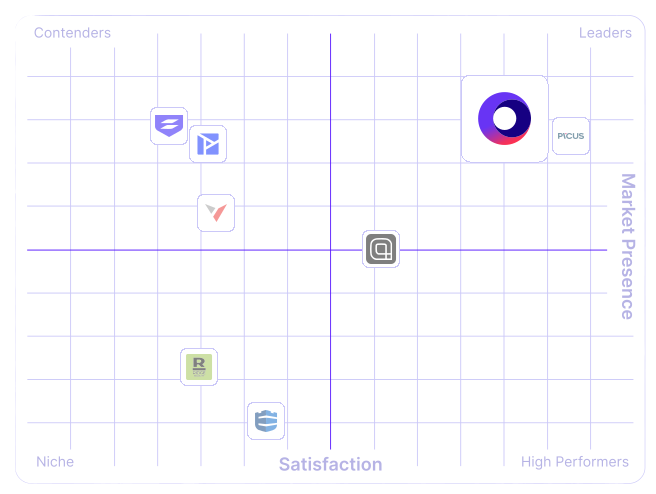
Cymulate Threat Studio offers an extensive threat scenario library and AI-powered capabilities for streamlined workflows and accelerated security posture. AttackIQ focuses on automated security validation but does not match Cymulate's innovation, threat coverage, or ease of use. AttackIQ may be preferred by organizations seeking a narrower focus on automated validation. Note: Cymulate's acknowledged limitation is that some advanced red team features may require additional modules. Source
How does Cymulate Threat Studio compare to Mandiant Security Validation?
Mandiant Security Validation is one of the original BAS platforms but has seen little innovation in the past five years. Cymulate Threat Studio continually innovates with AI and automation, expanding into exposure management. Mandiant may be suitable for organizations seeking a legacy BAS solution. Note: Cymulate's limitation is that some legacy integrations may be better supported by Mandiant. Source
How does Cymulate Threat Studio compare to Pentera?
Pentera is useful for identifying security gaps with attack path validation but lacks the depth Cymulate Threat Studio provides to fully assess and strengthen defenses. Cymulate offers comprehensive exposure validation across the full kill chain. Pentera may be preferred by organizations focused solely on attack path validation. Note: Cymulate's limitation is that some specialized attack path features may be more granular in Pentera. Source
How does Cymulate Threat Studio compare to Picus Security?
Picus Security may suit organizations looking for an on-prem BAS vendor, but Cymulate Threat Studio is the better choice for complete exposure validation, covering the full kill chain and cloud control validation. Picus may be preferred by organizations with strict on-prem requirements. Note: Cymulate's limitation is that on-prem deployment options may be more limited than Picus. Source
How does Cymulate Threat Studio compare to SafeBreach?
Cymulate Threat Studio outpaces SafeBreach with a larger attack library, a full CTEM solution, and comprehensive exposure validation. SafeBreach may be preferred by organizations seeking a narrower focus or different automation features. Note: Cymulate's limitation is that some niche automation features may be more developed in SafeBreach. Source
How does Cymulate Threat Studio compare to Scythe?
Scythe is suitable for advanced red teams to build custom attack campaigns. Cymulate Threat Studio provides a more comprehensive exposure validation platform, offering actionable remediation, automated mitigation, and daily threat updates. Scythe may be preferred by organizations with highly specialized red team requirements. Note: Cymulate's limitation is that some advanced campaign-building features may be more flexible in Scythe. Source